AI Interior Restyling Prompt Guide & Workflow
How to structure prompts for Minimalist, Japandi, Scandinavian, and Wabi-Sabi edits—plus tips on lighting and camera angles.
Stored only in your browser tab's sessionStorage (cleared when you close the tab or click Clear) and sent via the X-Demo-Passcode header.
wanx2.1-imageedit, Beijing region) for AI image synthesis. Do not upload photos containing sensitive personal information, faces, or confidential documents. Per Alibaba Cloud documentation, generated result image links are valid for 24 hours—please download your image promptly if you wish to keep it.

Note: Per Alibaba Cloud Bailian documentation, generated result image links are valid for 24 hours. Download any result you wish to keep.
Copyable Prompt Formulas by Room Zone
Each prompt follows the recommended formula: [Action Verb] + [Target Style] + [3–4 Concrete Materials/Furniture Items] + [Lighting Condition].
Walls, Flooring & Decluttering
"Modify the room interior to modern minimalist style, replace clutter with clean warm white walls, light oak plank flooring, recessed ceiling lighting, keep general layout."
Microcement & Linen Upgrade
"Modify the room interior to Wabi-Sabi style, textured sand-colored microcement walls, natural linen drapery, weathered timber table, soft diffused afternoon light."
Zen Oak & Charcoal Accents
"Modify the room interior to Japandi style, slatted white oak cabinetry, cream bouclé lounge chair, matte black floor lamp, indoor potted olive tree."
Prompt Engineering Best Practices for Wanx 2.1
- Start with Explicit Action Verbs Wanx 2.1 description_edit responds best to direct instructions starting with 'Modify the room to...' or 'Change the interior into...'.
- Describe What Should Appear (Not Negations) Instead of writing 'no clutter, no dark curtains', write 'clean empty surfaces, sheer white linen curtains'.
- Keep Prompts Under 800 Characters The upstream API truncates prompts past 800 characters. Focus on 4–6 clear material and lighting descriptors.
Frequently Asked Questions
Are the default slider images on the page real customer homes?
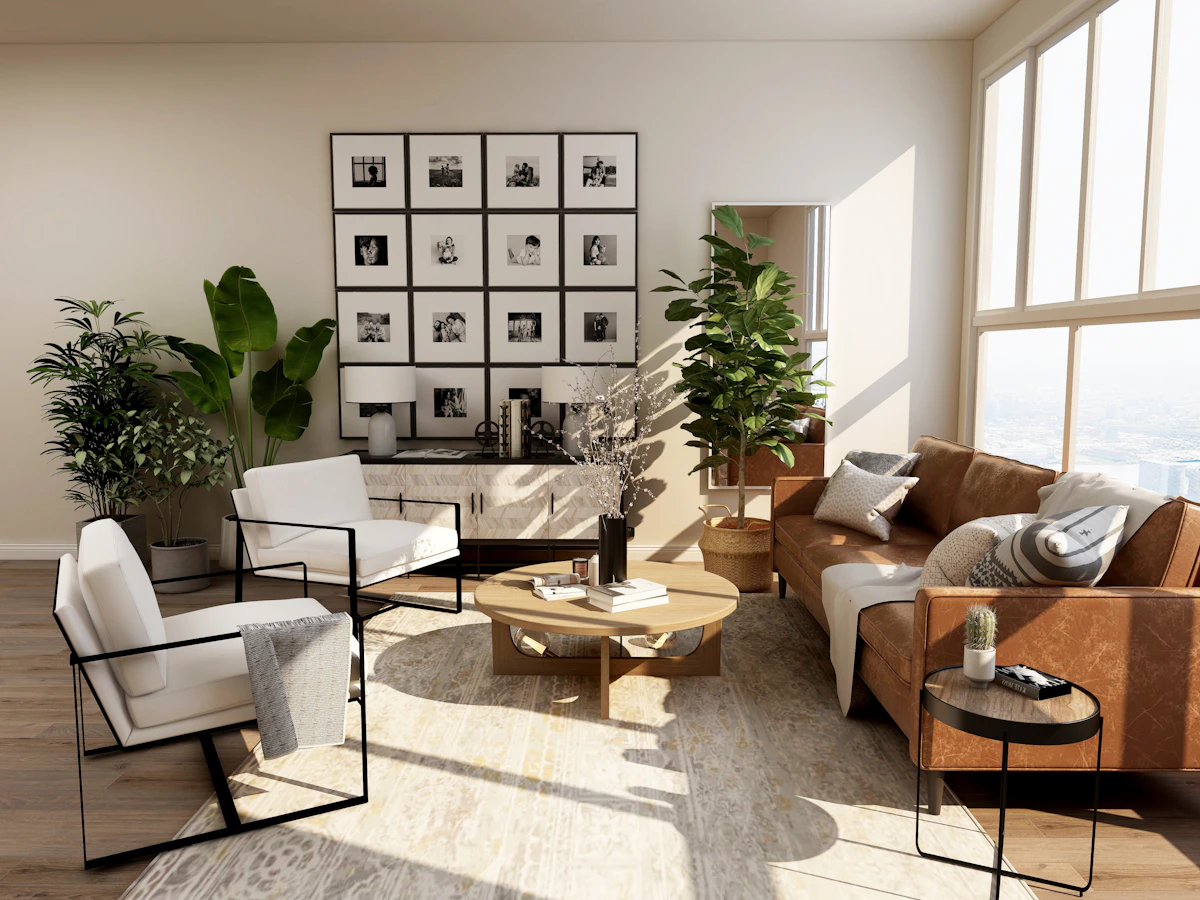
No. The default slider images shown before you upload a file are illustrative stock photos from Unsplash to demonstrate how the comparison slider works. Upload your own photo in Step 1 to generate a live AI output.
Why does the generated image sometimes change window frames or small objects?
Instruction-based diffusion editing (strength 0.65) synthesizes a new image guided by the base image's composition rather than applying a 3D CAD mask. Major proportions are preserved, while fine details are redrawn.